To get started using Maps, you’ll first need a D&D Beyond account. Once you have an account, navigate to the Maps homepage to:
- Launch Maps
- Read the Maps FAQ
- View our roadmap
- Access the user feedback survey
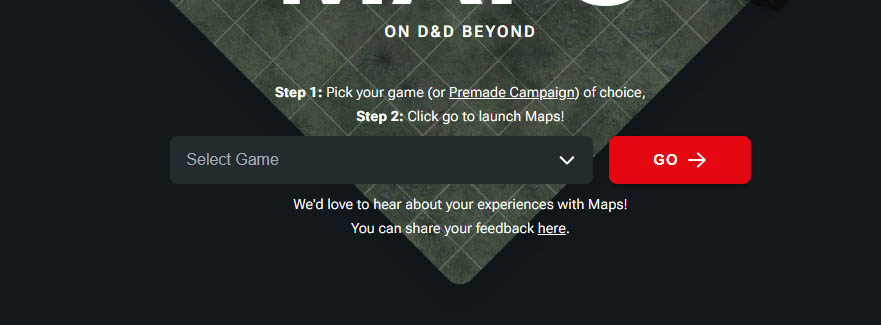
To get this tutorial started, let’s choose one of your existing campaigns. From the top of the Maps homepage, you’ll see a dropdown with a red “Go” button next to it.
From the dropdown, select the campaign you want to set up maps for, and then click “Go.”
Using Maps on Mobile
While Maps isn’t going to be initially optimized for phone and tablet, you can still use your mobile device to access and use the VTT for your D&D games on the go. You may encounter some areas where the menus or interface don’t quite properly display. Over time, we will work out these kinks and ask for your feedback as we develop this tool.
Related to