Ruler Feature
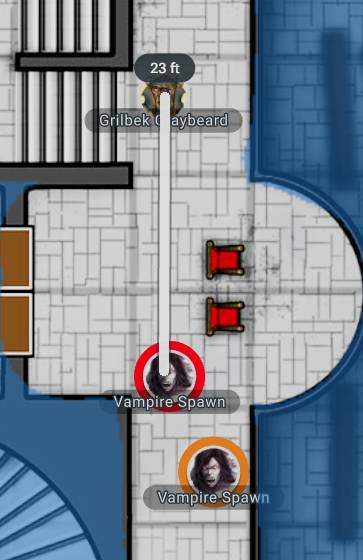
If you or your players want to measure the distance between two spaces on the map, you can do so with the Ruler. Either click the ruler icon in the toolbar or press “R” on your keyboard, and you’ll be able to measure distances on the map.
To measure, click and drag from your starting point to the point you’d like to measure to, and the straight line length will be displayed in feet. This distance is automatically scaled based on the map. The ruler is only visible to the person using it, so don’t worry, it won’t give things away when you’re measuring to see if that red dragon's Breath Weapon will reach your paladin!
In addition to being able to measure distances in the VTT, players and DMs can also draw attention to things using the Point and Ping features. When you select the "Point & Ping" icon from the menu or click "X," you will be able to select between the Point feature and the Ping feature.
Point Feature
When selected, your cursor will change to a white dot with a red outline.
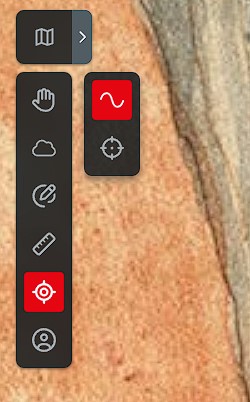 With this selected, the DM or any player can draw on the map to create a trailing highlight visible to everyone else. This highlight is also visible over areas hidden by fog of war, which is useful if a DM wants to draw the player's eye to something mysterious happening beyond their view.

Ping Feature
Need to warn your party where you're about to drop a Fireball or point out a trap? The Ping feature drops a highly visible ping on the map for other players to see:

Related to