Map elements like tokens and overlays can now be locked or grouped together. You can access these features by selecting a map element or group of map elements and choosing from the following via the icons on the element’s toolbar or hotkeys:
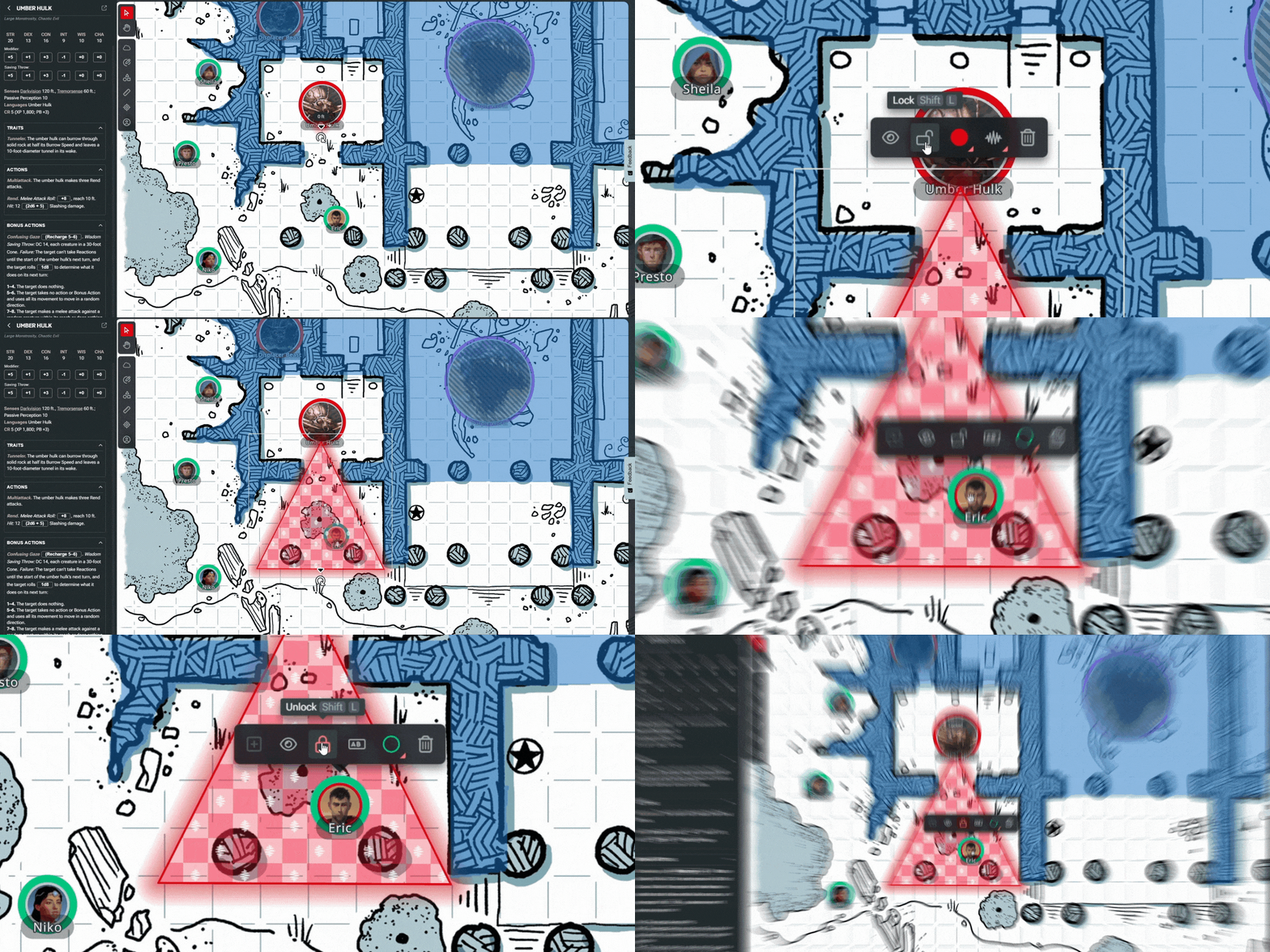
- Lock map elements (Shift + L): Want to keep a Beholder's Antimagic Cone on the map for your players to reference? You can lock the map element with this shortcut. DMs can toggle whether players can lock map elements in the Settings menu.
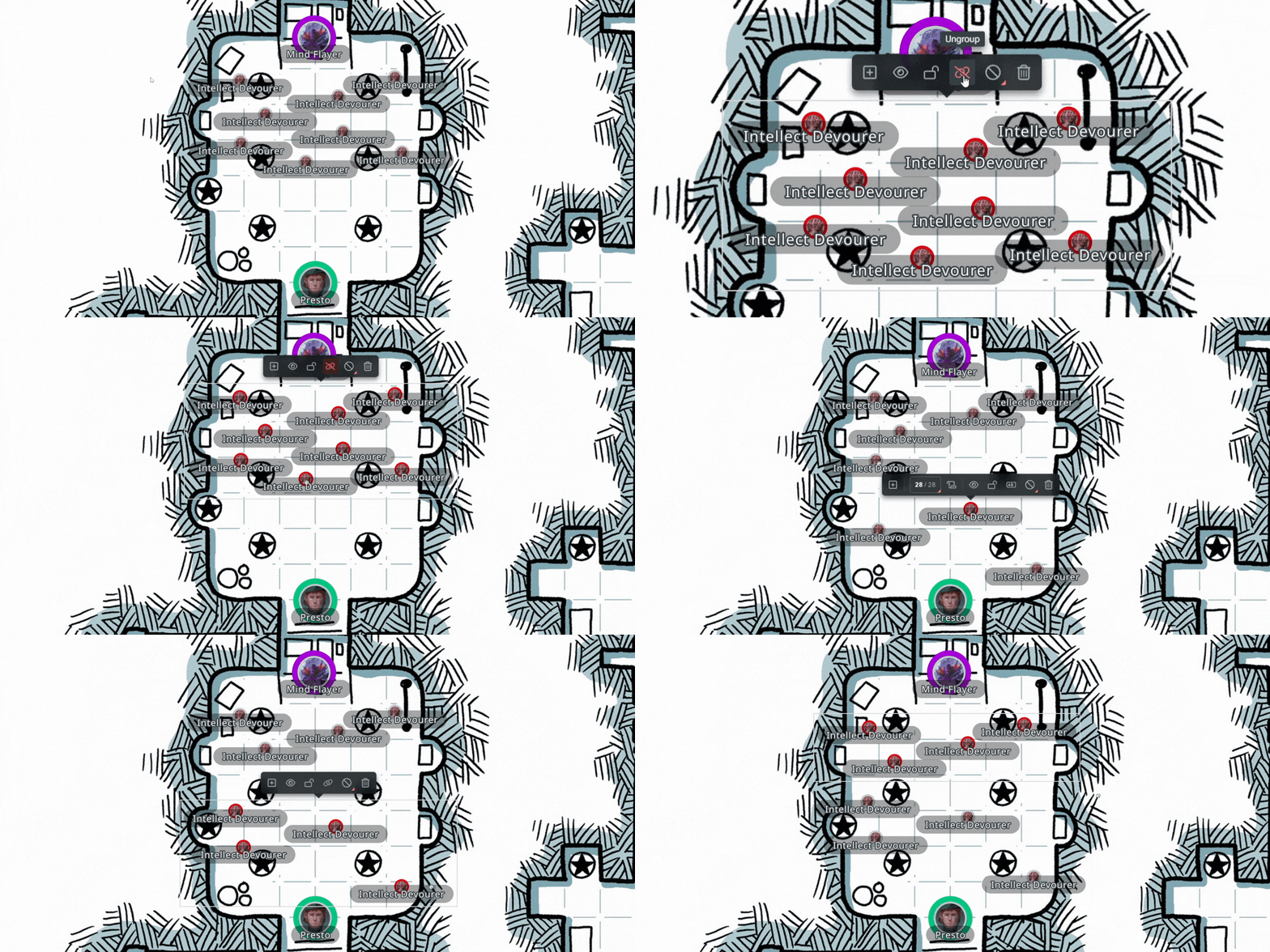
- Group map elements (Shift + G): You can group monsters together to move and interact with them as a unit, for example. To add additional elements to the group, select both the group and the new element and hit Shift + G or select Add to Group. DMs can toggle whether players can group map elements in the Settings menu.
Related to