In the bottom right of the screen, you’ll see a large red "Start Session" button.
 Until you click this button, your players won’t see any maps and instead will be shown the message, "Please wait for your DM to start the game session."
Once you click that button, your players will be able to see the currently active map, and the button will change to a pause icon along with a submenu.
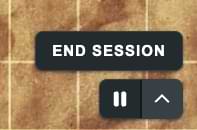
From here you can either Pause the session, or end it. Both options will hide the currently active map but will display a different message to your players:
- Pause. "Your DM has paused the game session."
- End Session. "Your DM has ended the game session."
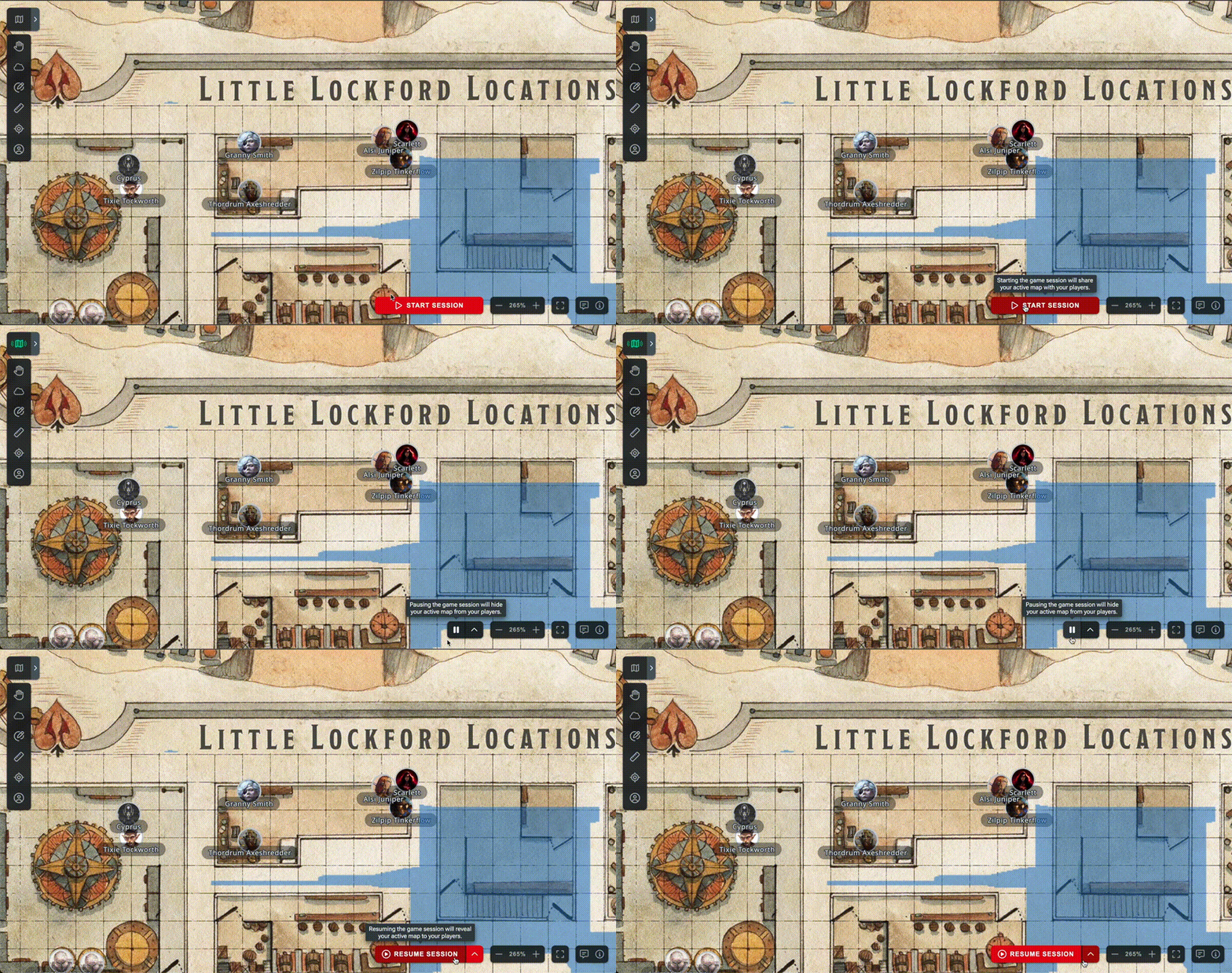
You can resume a paused session using the resume session button, or end the game whilst paused by using the sub-menu.
 Using these options, you can prevent your players from seeing maps until you’re ready, which is especially useful when switching between maps.
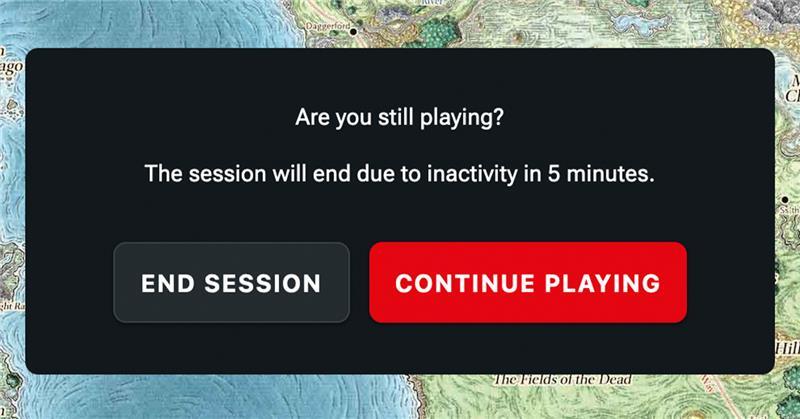
If you're inactive on your map for a while but want to keep your session running, Maps now features an inactivity popup. This lets you stop Maps from automatically ending your session, which is especially useful if you have the map open on another screen but aren't actively using it.
Related to