If you select the “i” in the bottom right, you’ll be shown the Connected Players menu. This lists each player that currently has Maps launched from your campaign and what character they’ve connected with.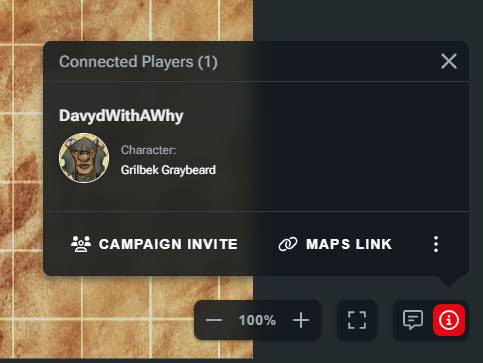
Additionally, if you click a character’s name, you’ll be taken to their character sheet.
This view is accessible by DMs and players, allowing everyone to quickly see who’s connected to the Maps session.
Related to