Spectator view allows the Dungeon Master to open a new window that displays the map as the players will see it, including fog of war, pings, and drawings. This is very useful if you use maps on a projector or digital tabletop setup.
To access the spectator view, click the “i” in the bottom right, then select the three vertical dots in the bottom right. From this submenu, you’ll see a "Spectator View” option.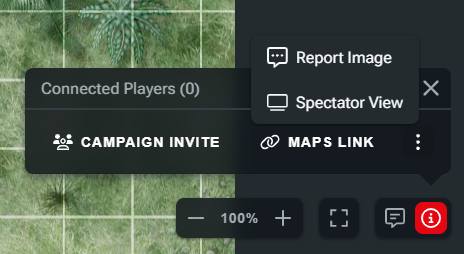
Selecting this option will open a new browser tab on the same map page. In spectator view, your view will be slightly different as there'll be no map browser or fog of war tool. However, you can still access the token and draw tools. 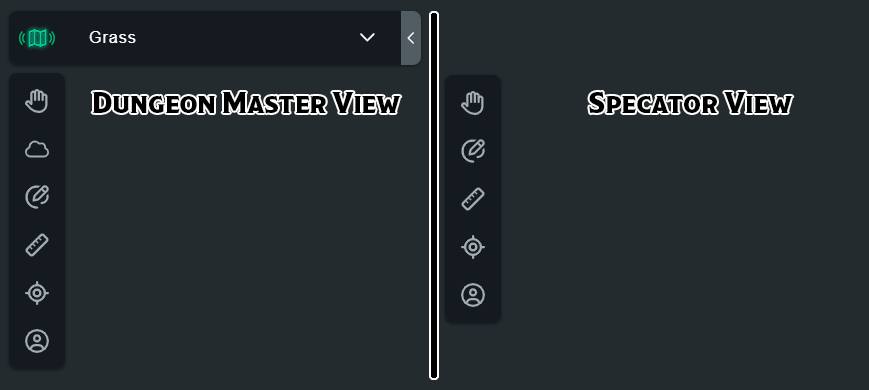
Spectator view behaves a lot like the player view. When you change maps, the spectator view will be moved to that map, and any hidden tokens or terrain behind the fog of war will be hidden in spectator view.
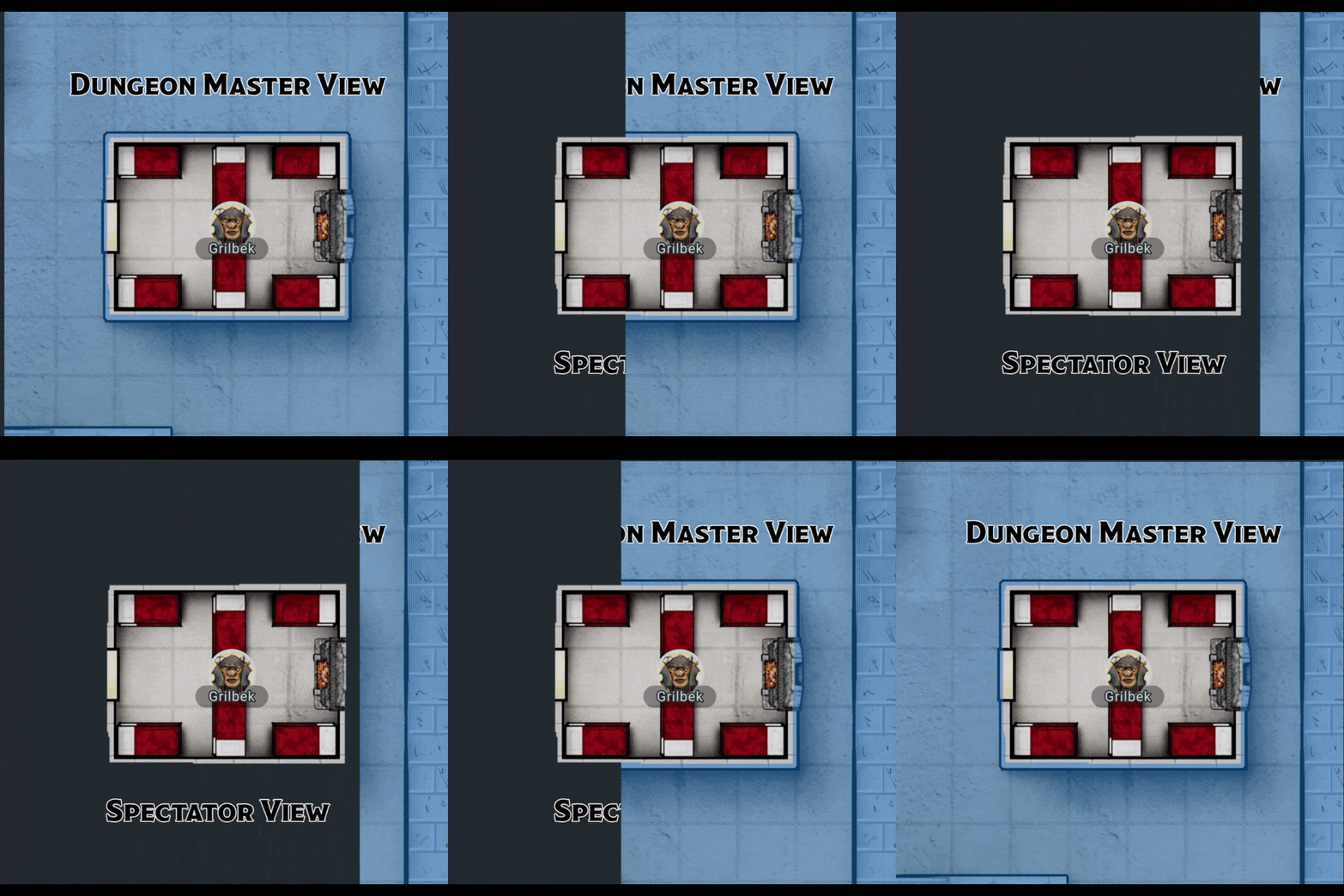
You can drag the spectator view to another screen and use it to display your maps in person without giving away details you don't want your players to see.
Related to