The last feature is by no means the least important, and that’s the reporting and feedback features. These can be accessed by clicking the “i” icon, and then selecting the three vertical dots. From there, you’ll see two options; “Report Image” and “User Feedback”.
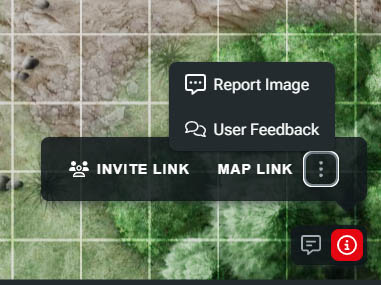
User Feedback takes you to the feedback portal for Maps Beta, but Report Image is an important tool for ensuring your safety. If at any point you encounter inappropriate images in the VTT, either as a map itself or a token, you can use this option to access our support portal. From here, you can report the issue and help make sure that D&D is a safe and welcoming space for everyone.
Related to